

Searching for AI avatars for TikTok Shop live streams returns a lot of noise — AI video tools, deepfake generators, and general “AI content” platforms that have nothing to do with live commerce. This guide cuts through that. Here’s what AI avatars for TikTok Shop live streaming actually look like in practice, how a live room is structured when one is running, and what you need to understand before deploying one for your brand.
What AI Avatars for TikTok Shop Live Streams Look Like in Practice
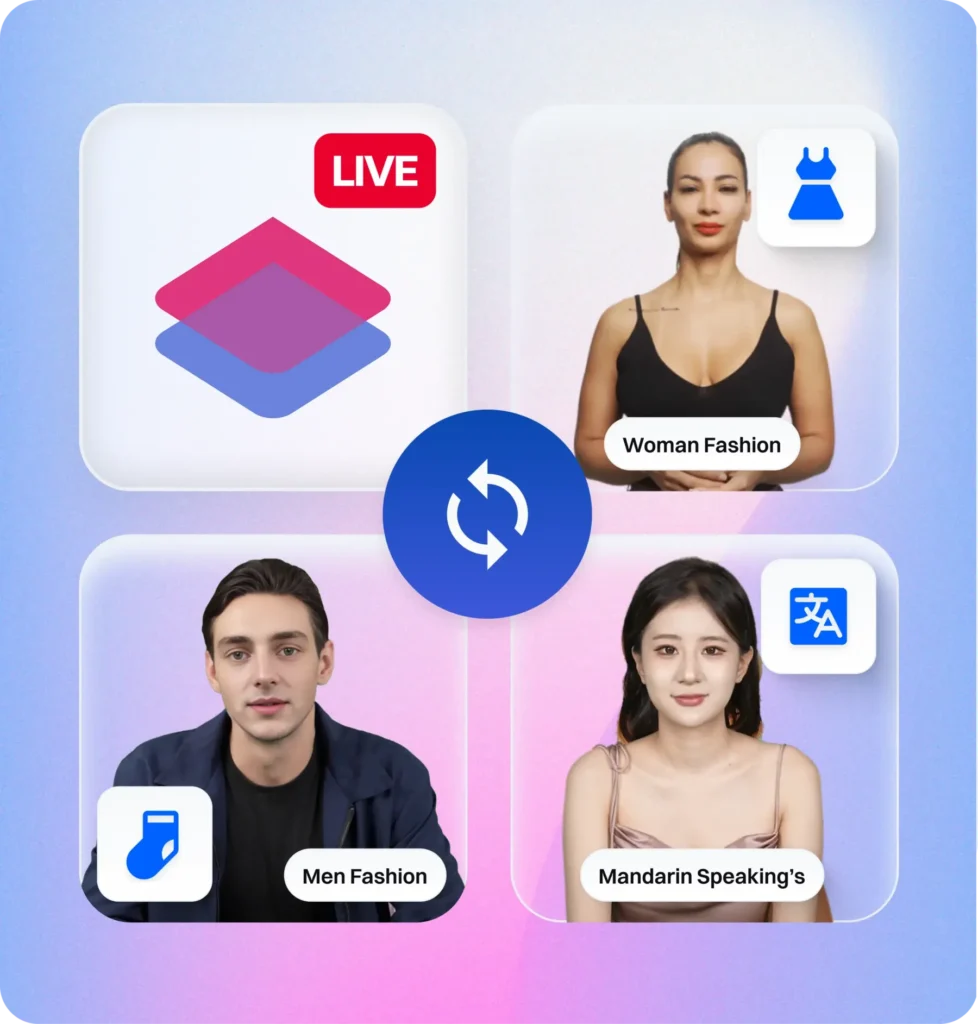
A TikTok Shop live stream running an AI avatar looks, from the viewer’s perspective, like a normal TikTok LIVE. There’s a presenter on screen — realistic, speaking naturally, presenting products, responding to the room. The difference is that the presenter is an AI digital human rather than a physical person.
The AI avatar is built from a real person’s likeness — shot in a controlled studio environment following a specific configuration process. That footage is used to train the avatar, which can then be deployed into TikTok Shop live rooms and run sessions indefinitely without the original person being physically present.
From the back end, the brand or agency operates a dashboard — configuring scripts, product sequences, interaction triggers, pricing overlays, and timing. The avatar executes all of this in real time during the live stream.
How a TikTok Shop Live Stream Works With an AI Avatar
Understanding the live room structure matters here because the AI avatar doesn’t operate alone. A high-performing TikTok Shop live stream — whether running an AI avatar or a human host — uses a four-role team structure that ByteDance itself trains UK Seller Partners on:
- The Host — in an AI avatar setup, this role is fulfilled by the avatar itself. It presents products, manages urgency, and carries the conversion script.
- The Assistant Host — a human operator managing the back-end dashboard, monitoring comment volume, adjusting the script in real time, and handling queries the avatar routes to them.
- The Moderator — monitors the live room atmosphere, pins important comments, manages viewer interactions, and can intervene if the stream needs a boost.
- The Picture Director — controls what’s displayed on screen: product overlays, graphics, pricing information, and switching between product displays.
What AI avatars for TikTok Shop live streams change is that the most demanding, high-skill role — the host — no longer requires a physical person. The avatar takes that position, executing the presentation script with consistent energy across the full session length.
The Live Stream Script: What the AI Avatar Actually Says
The script is the core of an AI avatar TikTok Shop live stream. It needs to be structured around ByteDance’s 4-Pillar Presenting Framework — the same framework their internal TSP training team teaches UK Seller Partners:
- Over-analyse in depth — assume background noise, assume viewers just walked in. Explain every product USP as if the viewer has never seen it before, every time.
- How to shop — constantly demonstrate TikTok’s in-app checkout. Most viewers don’t know they can buy directly inside the app. Showing this is a conversion mechanism, not a nice-to-have.
- Why to shop — urgency, scarcity, and limited-time framing. The deal ends when the stream ends. This is the primary conversion lever.
- Repetition — repeat key messages every few minutes. Viewers rotate constantly. The person watching at minute 40 hasn’t heard the last 10 minutes of content.
An AI avatar executes all four pillars consistently across a 4-hour stream. A human host executing all four simultaneously will see performance deterioration after 90 minutes as cognitive load accumulates. This is the fundamental performance advantage of AI avatars for TikTok Shop live streaming.
Product Sequencing in an AI Avatar Live Stream
How you sequence products in a TikTok Shop live stream matters as much as the products themselves. The standard structure that performs best across most categories:
- Opening hook product — your strongest deal or most recognisable item. Gets people to stay in the room. Not necessarily your highest-margin product.
- Hero product rotation — your main GMV drivers, rotated on a timed sequence with full script delivery per product.
- Urgency spikes — deliberate scarcity moments (“only 20 units left at this price”) integrated into the script at intervals.
- New viewer resets — the script is written to periodically re-introduce the context for people who just joined, without boring existing viewers.
- Checkout demonstration moments — regular intervals where the avatar walks through the in-app purchase process explicitly.
All of this is configured in the Syntopia dashboard before the stream begins. Once the live is running, the avatar executes the sequence autonomously, with the assistant host able to make real-time adjustments through the back-end interface.
Building Your TikTok Shop Live Room for AI Avatar Streaming
The physical live room setup for an AI avatar TikTok Shop stream is different from a human-hosted setup. You don’t need a person in a branded studio. What you do need:
- A clean product display area — even though the avatar is AI-generated, product shots, backdrop elements, and physical staging can be integrated into the stream display through the platform’s scene management system.
- Reliable connectivity — AI avatar live streams require stable upload bandwidth. The platform streams the avatar in real time; connectivity interruption kills the session.
- A configured streaming device — this connects to the Syntopia platform and outputs the AI avatar stream to TikTok LIVE. Setup follows Syntopia’s configuration manual for first-time deployment.
- Back-end operator access — the assistant host needs monitor access to the Syntopia dashboard to manage the stream in real time.
The physical footprint of running an AI avatar TikTok Shop live stream is significantly smaller than a full human-hosted production setup — which is part of what makes it cost-effective for smaller brands entering live commerce for the first time.
Interactive AI Avatars: What “Interactive” Actually Means
The word “interactive” gets used loosely in AI avatar marketing. For TikTok Shop live streams specifically, interactive means the avatar can:
- Acknowledge comment activity in real time (“I can see the comments coming in — let me answer that”)
- Trigger specific responses based on live room events (comment volume spikes, viewer count milestones, product click surges)
- Follow branching scripts that adapt to product performance during the stream
- Integrate with comment moderation to surface and respond to priority questions
What interactive AI avatars for TikTok Shop live streams can’t do — yet — is handle fully open-ended, unpredictable live Q&A the way an expert human host can. The interaction is governed by configured rules and triggers, not open natural language understanding in real time. This is where the assistant host role matters: they can surface specific questions to the avatar’s response queue, or handle complex queries directly through a pinned comment.
Getting Started With Syntopia
Syntopia is built specifically for AI avatar TikTok Shop live streaming, operated by LiveBuzz Studio — the UK’s #1 TikTok Creator Agency Partner and TikTok Shop Partner in UK and US markets.
The platform covers the full stack: custom avatar creation, live room configuration, script setup, streaming deployment, and ongoing performance analytics. For brands new to AI avatar live commerce, the setup process is documented in Syntopia’s Configuration Manual and Operation Manual.
To explore what’s possible for your brand, get in touch here or view packages.