
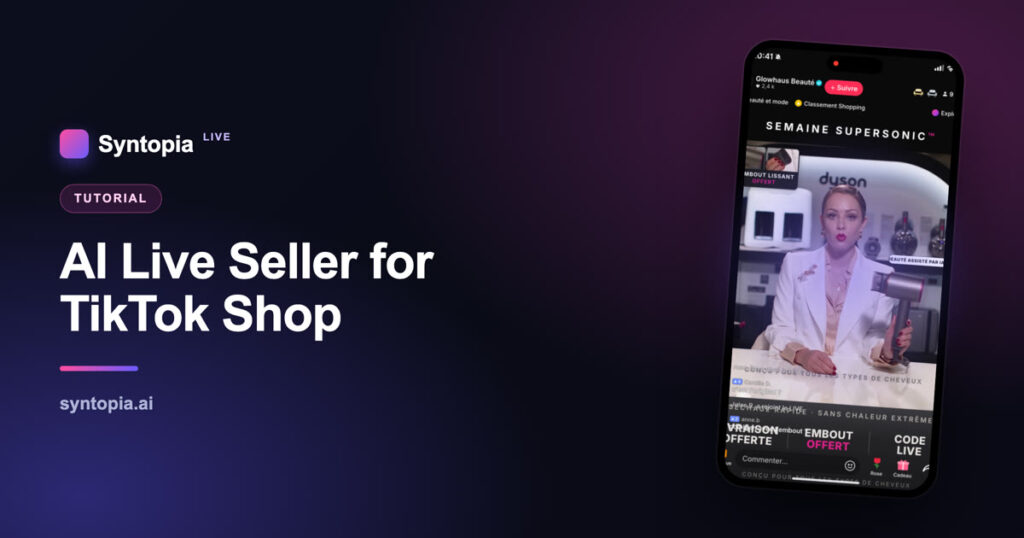
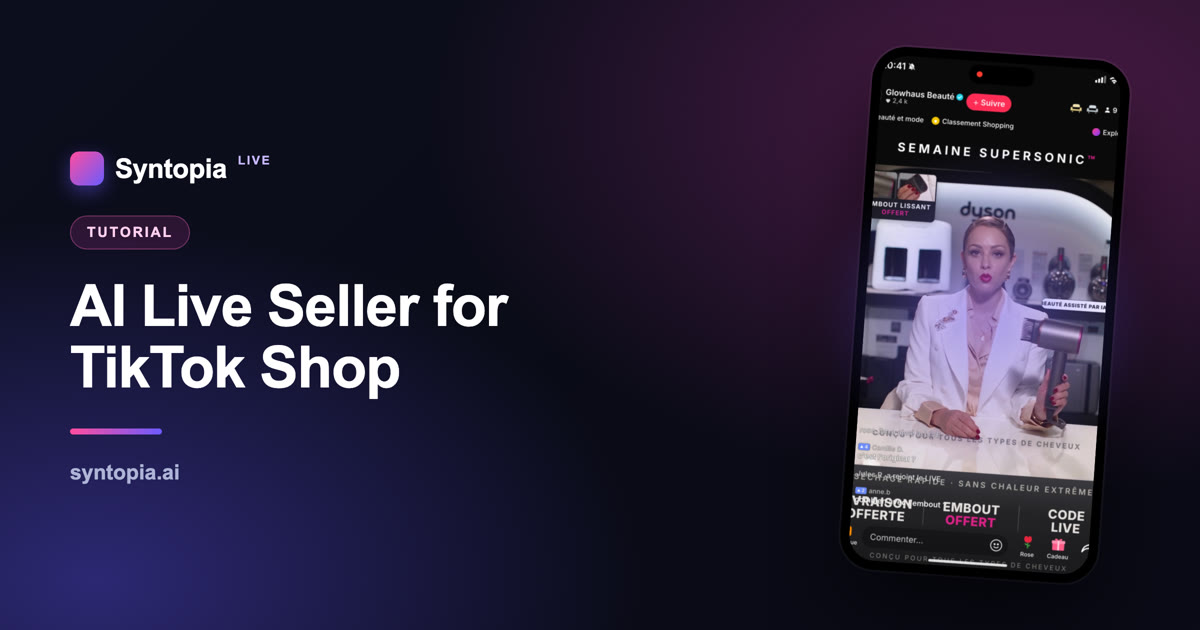
An AI live seller is an AI digital human that hosts your TikTok Shop live — presenting products, reading your script and interacting with viewers, so your shop can be live far longer than any human team could manage. This full tutorial walks you through setting one up from scratch: creating your digital human, building the live, going live on TikTok Shop, and staying compliant. No camera, no studio and no on-screen talent required. If you follow the seven steps below, you’ll have an AI live seller running on TikTok Shop.
New to the concept first? Read the complete guide to AI live selling and what a digital human is. Ready to build? Let’s go.
Before you start: what you need
- A TikTok Shop seller account in good standing, with live-selling access in your region.
- Products you’re authorised to sell (and, for branded goods, reseller rights).
- An AI live platform such as Syntopia BOX to create and run the digital human.
- A PC that meets the platform’s requirements (real-time rendering needs a capable machine).
- Your offers and talking points ready for the script.
That’s it. You do not need a camera, a studio, lighting or an on-screen presenter.
How to set up an AI live seller on TikTok Shop (7 steps)
Step 1 — Create your AI avatar (digital human)
Start by creating the digital human that will host your live. You can use a ready-made avatar or build one from footage of a real person who has given consent. If you want to get live quickly, pick a faster model version (for example, a V5-type avatar) for a quicker set-up. This is the face your audience will see on every stream, so choose one that fits your brand and products.
Step 2 — Set up the voice (optional)
Give your host a voice. You can use a natural ready-made AI voice, or create a voice model from recordings (with consent) if you want a specific sound. Pick the language your market actually shops in — a native-language voice converts far better than a translated one. This step is optional if a stock voice already fits.
Step 3 — Build the live script, room and settings
This is where most of your results are won or lost. Write the script your AI will present: product talking points, offers, prices, and answers to common questions. Set up the live room and its settings — pinned products, offers and the flow of the stream. For a converting structure, follow how to write a TikTok Shop livestream script, and choose what to feature using a product-selection strategy.
Step 4 — Connect an AI brain (LLM)
Connect a language model (such as OpenAI or DeepSeek) so your host can understand and respond to live comments naturally, not just read a fixed script. This is what makes the live interactive — greeting joiners, answering “is this original?” and “how much with shipping?”, and keeping the room engaged.
Step 5 — Install the virtual audio
Install the virtual audio driver the platform uses to route your host’s voice into the live stream cleanly. This is a quick technical step, but an important one — it’s how the AI’s speech reaches TikTok as broadcast-quality audio.
Step 6 — Go live on TikTok Shop
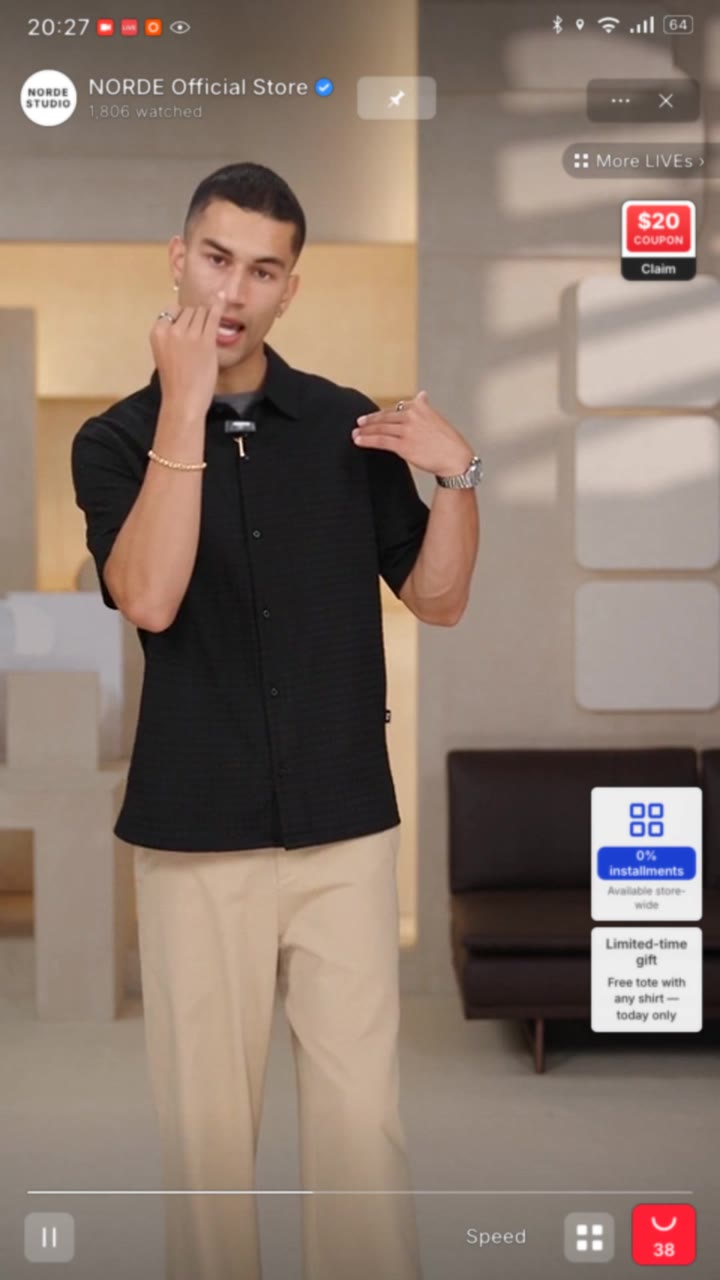
Start your TikTok Shop live and bring your AI host on screen. Add your AI disclosure — an on-screen “AI-assisted” label — and make sure a human is available to moderate comments and handle fulfilment. Your digital human now presents your products to viewers in real time. For a deeper room walkthrough, see the AI avatar live room setup guide.
Step 7 — Link the stream to Syntopia BOX for interactivity
Finally, get the livestream link and put it into Syntopia BOX so the avatar can see and respond to the live chat in real time. This closes the loop: your AI host is now not just presenting, but genuinely interacting with the room — the thing that turns viewers into buyers.
Stay compliant: disclosure and whitelisting
Before you scale, get the compliance basics right. Disclose that your host is AI, sell only genuine products, keep claims accurate, and keep a human in the loop. If you’re selling on TikTok or Shopee, review the platform’s AI livestreaming and whitelisting requirements first. Our full guide on whether AI livestreaming is allowed on TikTok covers exactly what’s permitted and what gets lives banned.
5 tips to make your AI live seller convert
- Lead with your best offer. Open strong — the first minutes decide whether viewers stay.
- Feature products in the right order. Use a selection strategy to build momentum.
- Answer real questions live. Connect the LLM so the AI handles “is it original?”, sizing and shipping.
- Run the long hours. The biggest AI advantage is 24/7 coverage — stream when humans can’t.
- Review and improve every stream. Use a review framework to tune script, offers and timing.
Frequently asked questions
What is an AI live seller on TikTok Shop?
An AI live seller is an AI digital human that hosts your TikTok Shop live stream — presenting products, reading your script and interacting with viewers in real time — so your shop can be live far longer than a human presenter could manage.
Do I need a camera or studio to set one up?
No. The digital human is rendered by the AI platform, so you don’t need a camera, studio, lighting or on-screen talent. You only need a seller account, products you’re authorised to sell, a capable PC and an AI live platform.
How long does it take to set up an AI live seller?
Following the seven steps — create the avatar, set the voice, build the script and room, connect an LLM, install virtual audio, go live, and link to Syntopia BOX — many sellers get their first AI live running the same day, especially using a quicker-setup avatar version.
Is using an AI live seller allowed on TikTok Shop?
Yes, with disclosure and honest commerce. Label the host as AI, sell genuine approved products, keep claims accurate, and keep a human in the loop. See our full guide on whether AI livestreaming is allowed on TikTok for the details.
Can the AI live seller answer comments?
Yes. By connecting a language model and linking the stream into Syntopia BOX, the AI host can read and respond to live comments — greeting joiners and answering common questions — which is what drives conversions.
What do I need before I start?
A TikTok Shop seller account with live access, products you’re authorised to sell, a capable PC, an AI live platform like Syntopia BOX, and your offers and talking points ready for the script.
The takeaway
Setting up an AI live seller on TikTok Shop is a seven-step process: create your digital human, set the voice, build the script and room, connect an LLM, install the virtual audio, go live with disclosure, and link the stream to Syntopia BOX for interactivity. Do it once and you have a selling channel that can run far longer and in more languages than any human team. See how Syntopia makes it work, or go deeper with the complete AI live selling guide.
Written by the Syntopia team. Syntopia builds AI digital humans and real-person-driven live selling for TikTok Shop, Shopee, YouTube and more.