
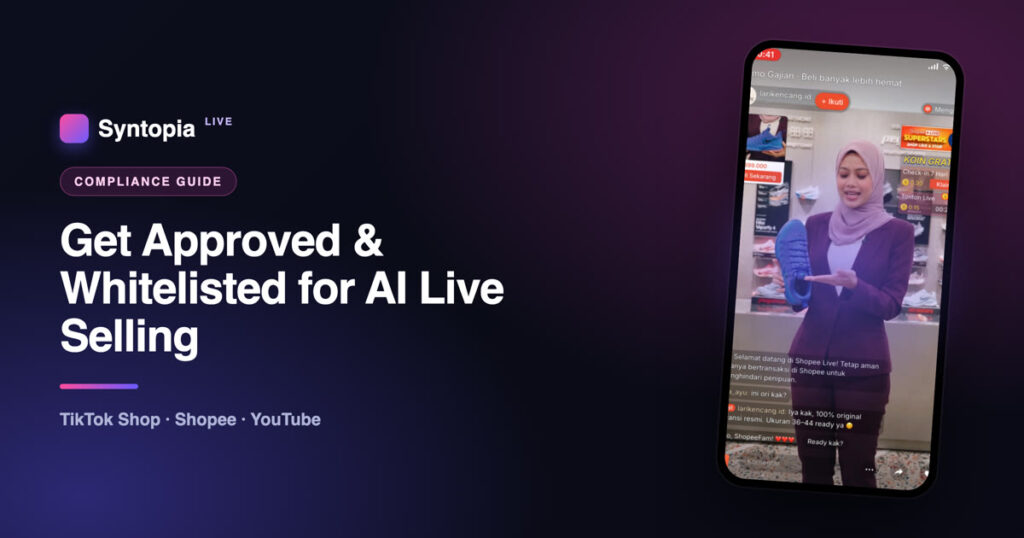
Getting approved and whitelisted for AI live selling is less about the AI and more about trust. On TikTok Shop, Shopee and YouTube, an AI avatar or digital human can host your live streams — but each platform wants the same things first: a seller or creator account in good standing, genuine products, clear disclosure that the host is AI, and (on some platforms or markets) explicit live-selling access you have to apply for. Get those right and approval is routine. Get them wrong and you’re rejected or banned. This guide walks through exactly how to get approved on all three platforms in 2026 — the requirements, the steps, and the mistakes that get AI lives shut down.
⚡ Key takeaways
- Platforms don’t ban AI hosts — they ban deception, counterfeits and off-platform scams.
- Disclosure is non-negotiable: label the host as AI (TikTok and YouTube have built-in AI-disclosure settings).
- You need a seller/creator account in good standing and genuine, approved products.
- Some platforms/markets require you to apply for live-selling access (whitelisting) — it’s an approval, not an automatic right.
- Keep a human in the loop for moderation and fulfilment, even when the AI presents.
What “whitelisting” and “approval” actually mean
Live selling is a privilege platforms grant, not a default setting. “Whitelisting” (or getting approved for LIVE) means the platform has verified your account and granted access to host shopping live streams. The bar exists because live commerce moves money in real time — so platforms vet sellers to protect buyers. Using an AI host doesn’t change the bar; it just adds one more requirement on top: disclosure. For the platform-by-platform rules behind this, see our guides on AI live selling on TikTok Shop, Shopee and YouTube.
The universal approval checklist
These six requirements get you approved on every platform. Nail them before you apply anywhere.
| Requirement | TikTok Shop | Shopee | YouTube |
|---|---|---|---|
| Disclose the AI host | Required (AIGC label) | Recommended | Required (synthetic-content) |
| Genuine, approved products | ✅ | ✅ | ✅ |
| Account in good standing | ✅ | ✅ | ✅ |
| Transactions on-platform | ✅ | ✅ (strict) | ✅ (Shopping) |
| Apply for LIVE access / whitelisting | Some markets | Yes (eligibility) | Monetisation / Shopping |
| Human in the loop | ✅ | ✅ | ✅ |
Why it’s worth the effort
Live and content commerce is where the growth is — especially in Southeast Asia, Syntopia’s core market. According to Momentum Works’ Live Commerce in Southeast Asia 2026 report, content commerce now drives 37% of the region’s platform e-commerce GMV — up from 20% just two years earlier — and is on track to reach US$77.9 billion in 2026. Getting approved to sell live is getting access to the fastest-growing channel in e-commerce.
How to get approved, platform by platform
TikTok Shop
TikTok Shop is the biggest opportunity and the most structured approval process. You need a TikTok Shop seller account, products in approved categories, and live-selling access (available by market, sometimes invite-based). For the AI host, TikTok requires you to disclose AI-generated content — use the in-app AIGC label and keep an on-screen “AI-assisted” indicator. TikTok Shop publishes its AI-content rules per market: review the policy for your country — US, UK/EU, Malaysia, Thailand, Vietnam and more (full list below).
Shopee
On Shopee, live-selling access runs through Shopee Live eligibility, which is tied to your shop’s standing and ratings. The cardinal rules: sell genuine, authorised products and keep every transaction inside Shopee — pushing buyers off-platform is the fastest route to suspension. Shopee has also published AI-use terms for several markets — see Using AI on Shopee Live (Malaysia), Indonesia and others below. Disclose your AI host even where it isn’t yet strictly mandated — transparency protects you if content is reviewed.
YouTube
YouTube approval is about monetisation and authenticity rather than a “live-selling licence.” To sell, you join the YouTube Partner Program and use YouTube Shopping (available in supported regions). For the AI host, you must disclose realistic altered or synthetic content in Creator Studio, and keep content original and valuable — YouTube’s monetisation policies penalise mass-produced, “inauthentic” AI content. Treat the AI as a presenter, not a shortcut.
What gets you rejected or banned
Across all three platforms, the same five mistakes account for almost every rejection and takedown:
- No disclosure — a hyper-real AI host passed off as a real person.
- Counterfeit or prohibited products — the number-one ban trigger, AI or not.
- Driving buyers off-platform — outside links or payments during a live.
- Unauthorised likeness — an AI built from a real person without consent.
- Zero moderation — a selling room left completely unattended.
“Platforms don’t ban AI hosts — they ban deception. Disclose the AI, sell real products, keep a human in the loop, and you’re approvable everywhere.”
Step by step: how to get approved
How Syntopia keeps you approvable
Syntopia is built so your AI lives pass review by default: clear on-screen AI disclosure, real-person-driving as an option, your genuine catalogue, your approved scripts, and a human always in the loop. We also keep a consolidated, per-country reference of every platform’s AI-livestreaming policies and whitelisting steps, so you always know the current rules for your market. See how Syntopia’s AI live commerce works, or start with the complete guide to AI live selling.
Frequently asked questions
Do I need to be whitelisted to run AI live selling?
On most platforms you need approved live-selling access, which is granted based on your account standing — not a special “AI” licence. TikTok Shop gates LIVE access in some markets, Shopee ties it to Shopee Live eligibility, and YouTube requires Partner Program + Shopping. The AI host just adds a disclosure requirement on top.
Will disclosing that my host is AI hurt my approval or reach?
No. Disclosure is what keeps you compliant — it’s failing to disclose that risks rejection, labels or bans. Platforms apply AI labels either way; doing it yourself builds trust with both the platform and buyers.
Can I get approved for AI live selling on TikTok Shop, Shopee and YouTube at the same time?
Yes. The requirements overlap heavily (genuine products, good standing, disclosure, on-platform transactions). Meet the universal checklist once and you can apply across all three, adjusting for each platform’s specifics and your market.
What’s the fastest way to get rejected or banned?
Selling counterfeits, pushing buyers off-platform to pay, or running an undisclosed hyper-real AI host. Avoid those three and you remove most of the risk.
Does the AI host need a real person behind it?
Not necessarily — you can run a fully AI-hosted live or use real-person driving (a human drives the stream while AI handles lip-sync and scale). Either way, keep a human available for moderation and fulfilment.
Written by the Syntopia team. Syntopia builds AI digital humans and real-person-driven live selling for TikTok Shop, Shopee, YouTube and more. Guidance reflects publicly available platform policy at the time of writing and is not legal advice.
Sources & official policies
This guide summarises publicly available platform policy and is not legal advice — always check the current version for your market before you apply or go live. Syntopia also maintains a consolidated AI livestreaming policies & whitelisting reference covering every platform and country.
TikTok — official policy
- Community Guidelines — Integrity & Authenticity (AIGC & synthetic media)
- Labelling AI-generated content
TikTok Shop — AI-content policy, by market
Shopee — AI & Live Streaming policy, by market
YouTube — official policy
- Disclosing altered or synthetic (AI) content
- Channel monetization policies (incl. inauthentic content)
- YouTube policies overview
Market data