

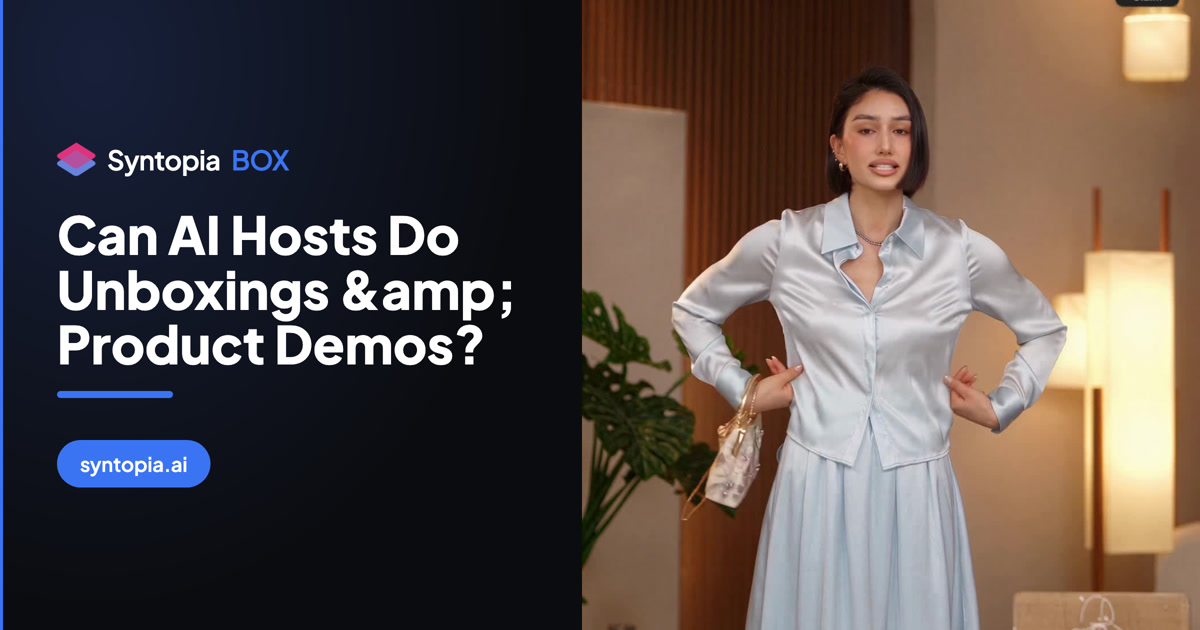
Yes — AI hosts can run unboxings and product demos, with one honest caveat about who does the physical handling. In Syntopia BOX your trained AI avatar can hold, wear and show real products on camera, and you can feed in real-scene and real-product footage so viewers judge true size and quality. For the genuinely hands-on parts — cutting tape, peeling film, a first reaction — a real human can drive the stream live. This guide explains exactly what is shown, and how.
- An AI avatar can present, hold and show your product — not just talk about it.
- Real-scene footage carries true size, scale and texture inside the live.
- For the hands-on moment, a real human can drive the stream.
- Most streams are a hybrid: AI runs the room, footage or a person handles the physical beat.
What an AI host can and can’t physically show
An AI avatar is a synthetic host rendered on your PC, so it can present, describe, compare and gesture convincingly. In Syntopia BOX it can also do more than talk: a well-trained avatar holds your product up close, wears your clothes and turns an item to the camera, which is the difference between describing a product and demonstrating it.
What a purely AI-driven host can’t do is improvise a genuinely physical, unscripted moment in the real world — slicing open a brand-new box on the spot, or reacting to a surprise inside it. That’s the honest line. The good news is there are two clean, well-established ways to cross it, and most real unboxing streams use a blend of both alongside the AI host.
Real-scene and real-product footage in the live
The first way is footage. You can bring real recordings of the actual product — in use, in context, at true scale — into the stream alongside the AI host. The host narrates and answers questions while viewers see the genuine item, so nothing about the product itself is faked; only the presenter is AI.
This is what clears the “does it look cheap in person?” doubt that kills conversions. The physical-products guide covers how real-scene demos are set up so size, material and texture read honestly on camera. Pair the footage with the avatar’s live commentary and you get the patience and availability of AI with the credibility of real product shots.
A little preparation goes a long way here. Film your key demo angles once — the product in the hand, the detail shots, the size comparison against a familiar object — and you can reuse that footage across every stream and every room, so the credibility is built once and paid off indefinitely.
How real-person driving handles the hands-on part
The second way is a real human. With human takeover, an actual person can step in and drive the stream — doing the real unboxing, the first-impression reaction, the hands-on test — while the room keeps its continuity and then hands back to the AI host.
Be clear about what this means: real-person driving means a real human is genuinely live on the stream for that segment, not a synthetic stand-in. That honesty is also good practice for disclosure. For the full picture of where a person fits across a live operation, see do you need a real person.
Pre-recorded demo segments inside a live
You don’t have to choose one mode for the whole stream. A common and effective pattern is an AI host running the room continuously — presenting, answering comments, holding coverage — and dropping in a pre-recorded unboxing or demo clip at the right moment, then returning to live Q&A.
The AI handles the hours of patient presenting that would exhaust a person; the recorded segment carries the one genuinely physical moment that benefits from being real. Because you can slot the same proven demo clip into every loop, every viewer sees your best unboxing, not a tired third take.
Answering “does it really do X?” live
The question an unboxing is really answering is “is it as good as it looks?”. An AI host is well suited to the follow-ups: it can patiently answer “does it fit a standard shelf?”, “what’s in the box?” or “how heavy is it?” in real time via smart live chat, every time it’s asked, without ever getting tired of repeating itself.
Grounded in your own product information, those answers are specific rather than vague — which is exactly the reassurance a demo is meant to provide. The avatar can even re-show the relevant part of the product on cue when someone asks, so the answer and the visual arrive together.
Category examples
| Category | AI host shows well | Lean on footage / a human for |
|---|---|---|
| Gadgets & electronics | Specs, size in hand, comparisons, port callouts | Powering on, live setup, the first-boot reaction |
| Beauty | Shade talk, packaging, routine steps, Q&A | Swatches and real-skin application footage |
| Home & kitchen | Dimensions, materials, where it fits | A real cook or assembly clip, or a live human test |
| Fashion | Styling, fabric talk, the avatar wearing the item | Fit on a real body, movement, fabric drape footage |
Setup overview
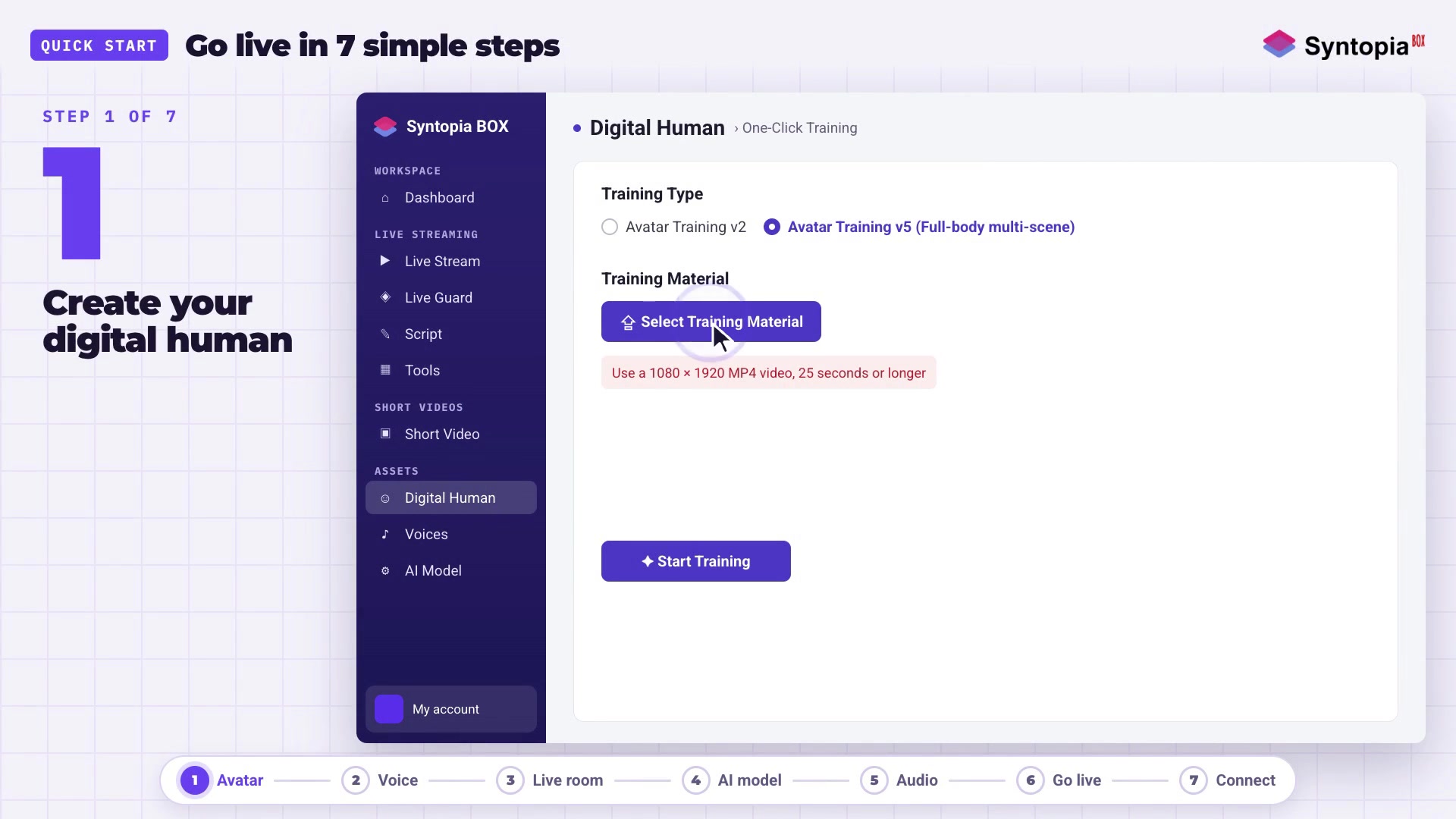
In practice the workflow is simple: train your AI avatar, prepare real-product footage for the physical moments, write the demo script, and decide which segments are AI-presented, which are recorded clips, and which are human-driven. Then build your live room and go live.
The result is a demo stream that runs for hours, answers every repeat question patiently, and still delivers the one honest, hands-on moment buyers want to see. Start from the AI live selling pillar and check current plans on the pricing page.
Build your demo stream
A strong AI-hosted demo stream blends three ingredients, each doing the part it’s best at, so viewers get patience, proof and a real hands-on moment.
Decide which segments are AI, recorded or human-driven, then go live — start from the pillar guide.
Frequently asked questions
Can an AI host really do an unboxing?
It can present and narrate an unboxing, and in Syntopia BOX the avatar can hold and show the real product on camera. For the genuinely physical moment — cutting tape, peeling film — you use real-product footage or let a real human drive that segment live.
Can an AI avatar hold and demonstrate my actual product?
Yes. A trained Syntopia BOX avatar moves like a real person — it can hold your product up close, wear your clothes and turn items to the camera, which is what separates a demo from a description.
How do I show the true size and quality of a product with an AI host?
Bring real-scene and real-product footage into the stream so viewers see the item in context and at true scale, while the AI host narrates and answers questions. This is covered in the physical-products guide.
Can a human take over for the hands-on part of a demo?
Yes. With human takeover a real person can drive the stream live for the hands-on moments, then hand the room back to the AI host for continuous presenting and Q&A.
Which product categories suit AI-hosted demos?
Most do. Gadgets, beauty, home goods and fashion all demo well when the AI host covers specs, sizing and Q&A, and real footage or a human handles the one physical moment such as powering on, swatching, or fit on a body.
Can the AI host answer follow-up questions during a demo?
Yes — via smart live chat it answers questions like weight, dimensions or what’s in the box in real time, pulling specifics from your product information, and can re-show the relevant part of the product on cue.
