

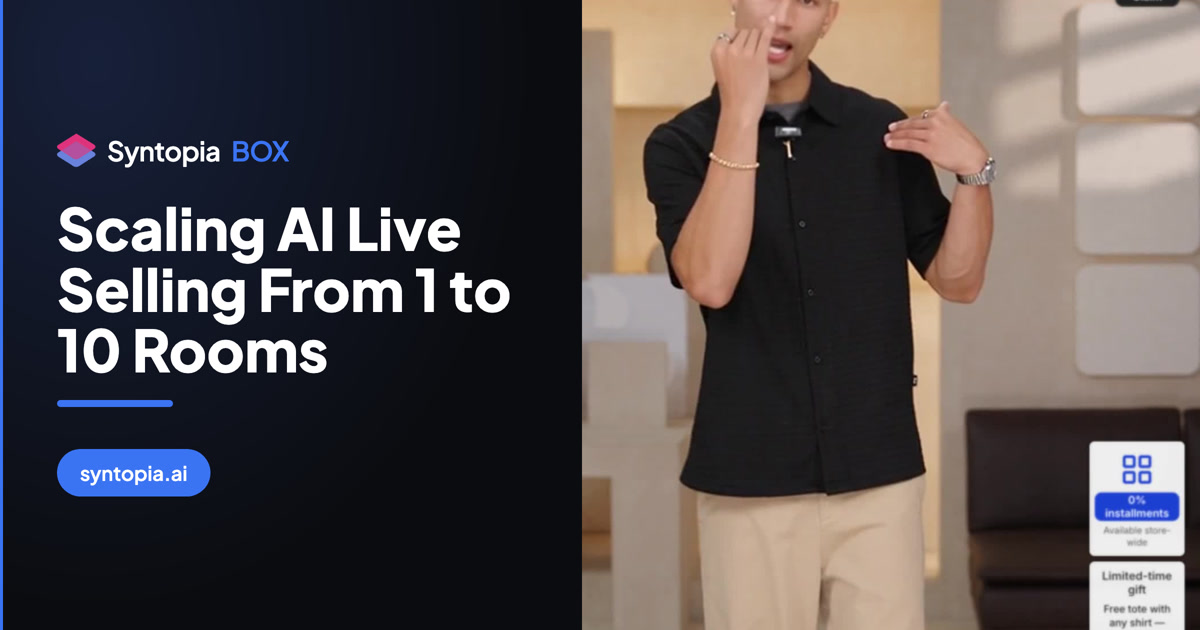
Syntopia BOX Guide
What this video covers
- One host on one camera can drive many TikTok Shop live rooms at once, the one-to-many setup this roadmap scales up to.
- Syntopia BOX does the talking in each room while the host’s lips and body follow the single camera.
- The chain is camera, capture card, OBS on your main PC and Syntopia BOX’s RTMP address; every other PC picks up the same picture through Human Driver and Media Stream.
- Only the picture is shared, so each room runs its own script, reads its own comments and goes live on its own account.
- Plan for a 1080p camera, a capture card, one PC per room on the same network and one Syntopia BOX slot per live.
Read the full transcript
One host. One camera. Watch her go live on five TikTok Shop accounts at once. Then ten. Twenty. Even a hundred. And in every single room, she talks to that room’s own viewers. So how does one person do that? Here’s the trick. She isn’t saying a word. Watch her mouth on the left. Now watch the live. [Live host] “I think this scarf might look even more beautiful” This is real-person driving in Syntopia BOX. One real person sits in front of one camera, and Syntopia BOX does the talking in every room.
Here’s the problem it solves. A great host can only be in one live at a time. More accounts means more hosts. And more hosts means more cost, and more schedules to juggle. With real-person driving, one host covers every room. How it works. First, your camera plugs into a capture card, and the capture card goes into OBS, on your main PC. OBS sends that picture to Syntopia BOX’s RTMP address. Copy that address from Tools, then Stream.
Paste it into OBS as a custom server, and leave the stream key blank. Then on every other PC, open Human Driver, choose Media Stream, paste the same address, and confirm. Now here’s the clever part. Only the picture is shared. Each PC runs its own script, reads its own room’s comments, and goes live on its own account. So the same host answers “does it come in blue?” in one room, and “how long is shipping?” in another, at the same moment, with her lips moving to each answer.
Her body and gestures are the same everywhere, because it’s one camera. Her words are different in every room. What you need: a 1080p camera, a capture card, one PC per room on the same network, and one Syntopia BOX slot for each live. One room, one slot. Five rooms, five slots. Only need one room? Skip all this and use the HD Camera route. It’s simpler. One host. Every room. Every viewer answered. That’s Syntopia BOX.
Start at Syntopia dot AI, and see the full step-by-step guide in the docs.
Running one AI live room is a tactic; running ten is an operation. This is the roadmap to scale AI live rooms in Syntopia BOX — sequencing hardware, accounts, the capture-to-LAN feed and your operator workflow so each stage holds before you add the next.
- Scale in deliberate jumps — 1, then 3, then 10 rooms — because each jump roughly triples what you manage.
- Each concurrent room needs its own BOX session on its own PC; there is no hard cap, so hardware and accounts set the ceiling.
- One real host, captured once via camera → capture card → OBS → local RTMP on the LAN, can drive many rooms at once.
- Give every room its own account, products and script to stay compliant and avoid duplicate-stream flags.
- At scale a human supervises rather than hosts — one operator holds many rooms by exception.
Running one AI live room is a tactic. Running ten is an operation — and the two are not the same job. Going from a single stream to a wall of concurrent rooms exposes every weak link in your setup: the PC that was fine for one feed, the single shop account, the one operator watching one screen. This guide is the end-to-end roadmap for AI live selling at scale, sequencing the hardware, accounts and people so each stage holds before you add the next.
The stages of scaling: 1 → 3 → 10 rooms
Think in jumps, not a smooth ramp. One room is where you prove the format: one avatar, one script, one shop account, one PC. Three rooms is where the model becomes a routine — you are now running parallel streams, usually a mix of platforms or products, and you start to feel the limits of a single machine and a single pair of eyes. Ten rooms is a small studio: multiple PCs, a shared video feed, a rack of accounts and a human operator whose whole job is to keep the wall green. Each jump roughly triples what you manage, so plan the jump deliberately rather than drifting into it.
How the one-to-many setup actually works
The core technical fact to design around: each concurrent room needs its own Syntopia BOX session running on its own Windows PC, and there is no hard cap on how many rooms you run — the ceiling is your hardware and accounts, not the software. When a real human host is driving the rooms, the architecture is a local broadcast chain, not ten separate studios:
- A real person presents in front of a camera.
- The camera feeds a capture card into a single source PC.
- That PC runs OBS, which publishes the feed to a local RTMP server on your LAN — not out to the internet.
- Each room PC pulls that same feed from the LAN and runs its own BOX session, its own script and its own shop account.
So one host, captured once, can drive many rooms at the same time — each room a separate account and script, each on its own machine. The RTMP streaming setup guide covers the capture-card-to-OBS-to-LAN chain in detail, and running multiple lives at once walks the room side. The avatar-and-voice route works the same way per machine; what never changes is one BOX session per concurrent room.
What breaks at each stage
Scaling fails at predictable pressure points, and naming them in advance is half the battle:
- Compute. One PC comfortably runs one live room; it does not comfortably run four. Each room wants its own machine or a genuinely capable one. See PC and hardware requirements before you buy.
- Accounts. Platforms expect one seller account per room. Juggling several without a system invites mix-ups and policy trouble — managing multiple shop accounts is the discipline that keeps them clean.
- Attention. One operator can watch three rooms by glancing between them. Ten rooms need a monitoring wall and a routine, or problems sit unseen for hours.
- Content. Ten rooms running the same script is ten chances to get flagged for duplication. Every room needs its own products and angle.
Hardware per stage
Match the machines to the stage. At one room, a single capable PC does everything — capture, OBS and the BOX session can share it if the spec is high enough. At three rooms, split the jobs: one PC as the capture-and-OBS source, and separate machines for the rooms so a hiccup in one does not stall the others. At ten rooms you are running a small farm — a dedicated source PC feeding the LAN, and a bank of room PCs, ideally on wired Ethernet so the local RTMP pull never stutters. Size the network, not just the boxes: ten machines pulling a video feed over weak Wi-Fi is the most common avoidable failure.
Accounts, avatars and scripts per room
Give every room a distinct identity. Each room gets its own shop account and its own on-screen host — whether that is a different avatar or the same real host captured once and reused across machines. Then each room gets its own product set and script. This is not only about engagement; it is how you stay compliant. Rooms that are visibly different in product, pitch and offer read as a legitimate catalog of streams, not a copy-paste farm. Rotate so your whole range gets airtime rather than ten rooms fighting over the same hero SKU.
One operator monitoring many rooms
At scale, a human does not host — a human supervises. The operator’s job is exception-handling: watch the analytics view and the room wall, spot the room that has gone quiet or off-pace, and act. They lean on smart live chat to keep comments answered automatically, and on a human takeover path to step into any single room that needs a real person. One trained operator can hold a surprising number of rooms this way, which is exactly the economics that makes scaling worthwhile — see how agencies structure this.
A scaling roadmap
For the full room build underneath every stage, keep the complete Syntopia BOX guide open alongside this roadmap.
Frequently asked questions
How many AI live rooms can Syntopia BOX run at once?
There is no hard cap in the software. Each concurrent room runs its own BOX session on its own Windows PC, so the real limit is how many capable machines and clean shop accounts you have, plus a network that can carry the feed. Sellers run anywhere from one room to many dozens by adding machines in matched steps.
Do I need a separate PC for every room?
In practice, yes — one PC runs one live room comfortably. One source PC handles the camera, capture card and OBS, publishing to a local RTMP server on your LAN, and each room then runs on its own machine that pulls that feed and runs its own BOX session, script and account.
Can one real host drive several rooms?
Yes. A real human presents once in front of a camera; the capture-card-to-OBS-to-LAN chain publishes that single feed locally, and every room PC pulls it. One host, captured once, can therefore appear across many rooms at the same time, with each room running its own account and script.
How many rooms can one operator monitor?
A single trained operator can supervise many rooms because the job is exception-handling, not hosting. They watch the analytics view and a room wall, let smart live chat answer comments automatically, and use the human-takeover path to step into any one room that needs a person.
How do I avoid getting flagged for duplicate streams when scaling?
Give every room its own products, angle, offer and script. Rooms that are genuinely different in content read as a legitimate catalog of streams rather than a copy-paste farm, which is the single biggest protection against duplication flags as you scale.
