08_Syntopia Digital Human Operations Materials (Internal)
Syntopia Digital Human Operations Materials (Internal)
Douyin Livestream: Douyin Livestream SOP
Syntopia Digital Human Pre-Livestream Checklist: Syntopia Digital Human Pre-Livestream Checklist
1. Setting Up a Douyin Account
1. Normal Registration, Follower Growth, Account Warming, and Going Live on Douyin
There are 5 ways to register a Douyin account; registering with a phone number and binding it to a Toutiao account is the best method. For bulk account warming, use a data SIM card — WiFi is fine for small volumes, but for large volumes always be sure to use mobile data rather than WiFi to mimic a normal user; also make sure to follow the one-device-one-SIM-one-account rule
2. Editing Profile Information
Many people edit their profile immediately after registering; we recommend waiting 48 hours before changing your name, avatar, and profile information. Above all, avoid anything with an obvious marketing/advertising tone, and avoid direct-messaging or traffic-driving actions.
Browse videos and like, follow, and comment — all browsing, liking, and commenting behavior should mimic a real person, mimic a real person!
① Ensure a high completion rate — finish watching a video before scrolling to the next; like only after finishing the video, never like in rapid succession
② Check out nearby videos/livestreams and like and comment on them appropriately
③ Deliberately browse video content in your target niche and like/comment on it, to help Douyin's system tag your account appropriately.
4. Account Warming Period and Duration
The recommended account warming period is generally 3-5 days, with 7 days being the ideal duration. Do not post any videos during this period. During warming, it's recommended to browse videos online for 2-3 hours per day, split into intervals — for example, browse for half the time in the morning, wait more than 2 hours, then browse the rest. Once you've completed a 3-5 day warming period following the above requirements, the next step is to test the account.
The specific method is to carefully film a video using Douyin's built-in camera. If the video reaches 500+ views within 24 hours, the account is considered normal; afterward, hide the video — do not delete it for the time being.
6. Buying Followers Directly Before Going Live
If you don't have a channel for buying followers, you can contact customer support directly in the group to get one
2. Going Live with 0 Followers, No Real-Name Verification (Store Account)
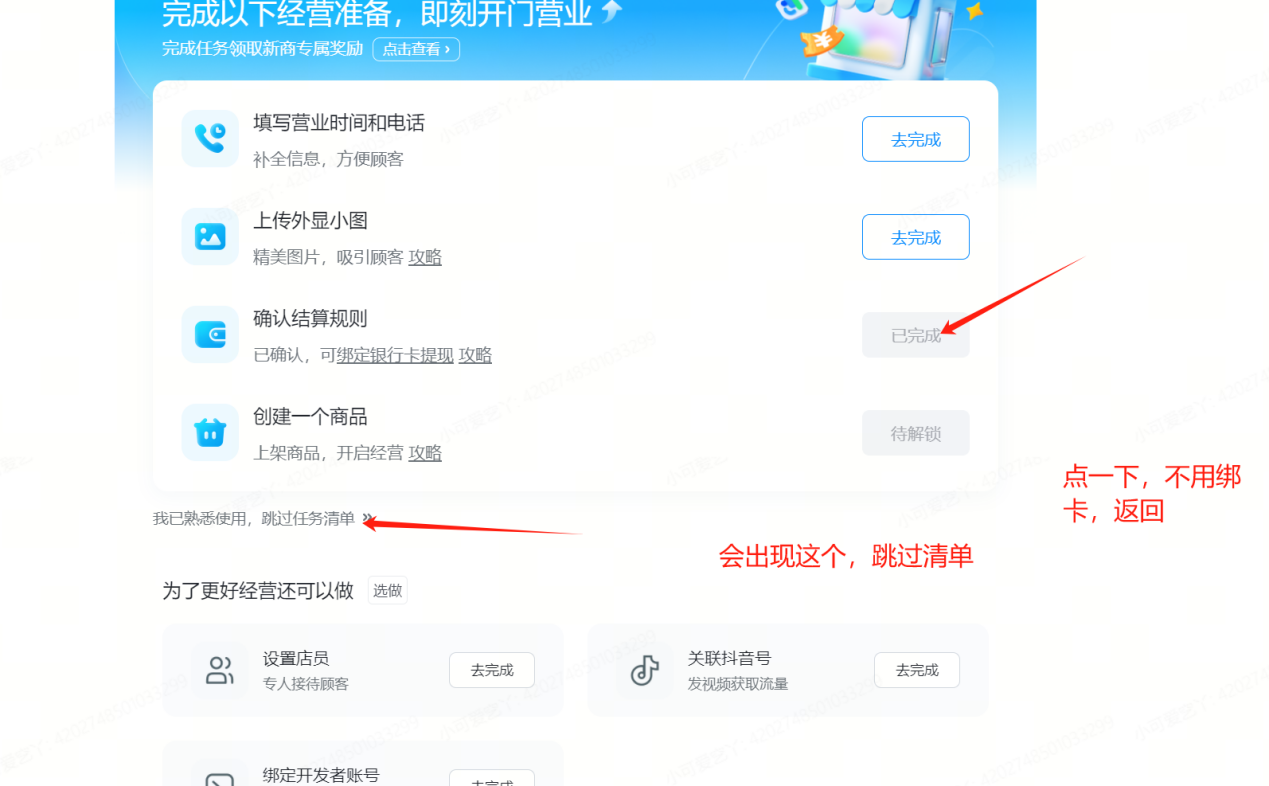
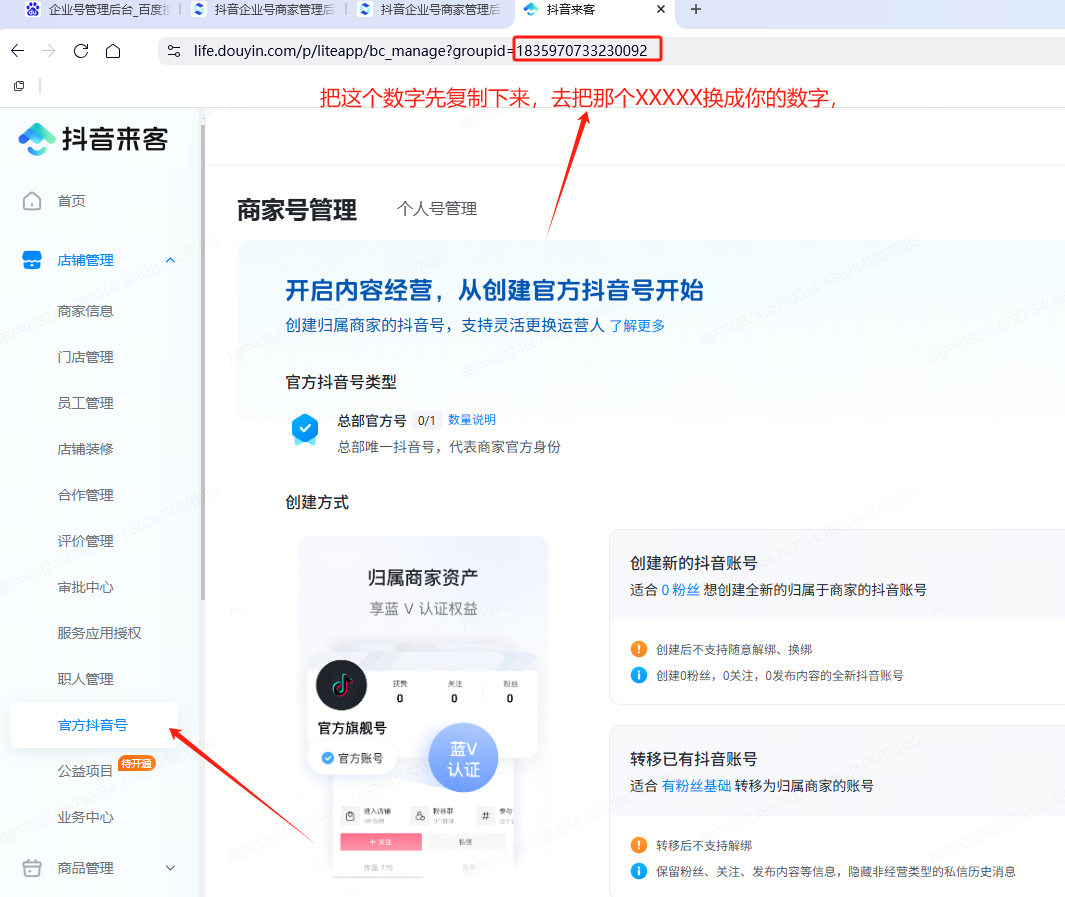
After completing the above steps, register a Douyin Store (Doudian), then download the Doudian app to bind the store account, and you can go live.
It's recommended that one business license be used to open no more than two store accounts
Douyin's risk control is currently fairly strict — even after completing all steps, there's still some chance a real-name verification prompt will appear when going live
3. Going Live Without Real-Name Verification (Laike Account)
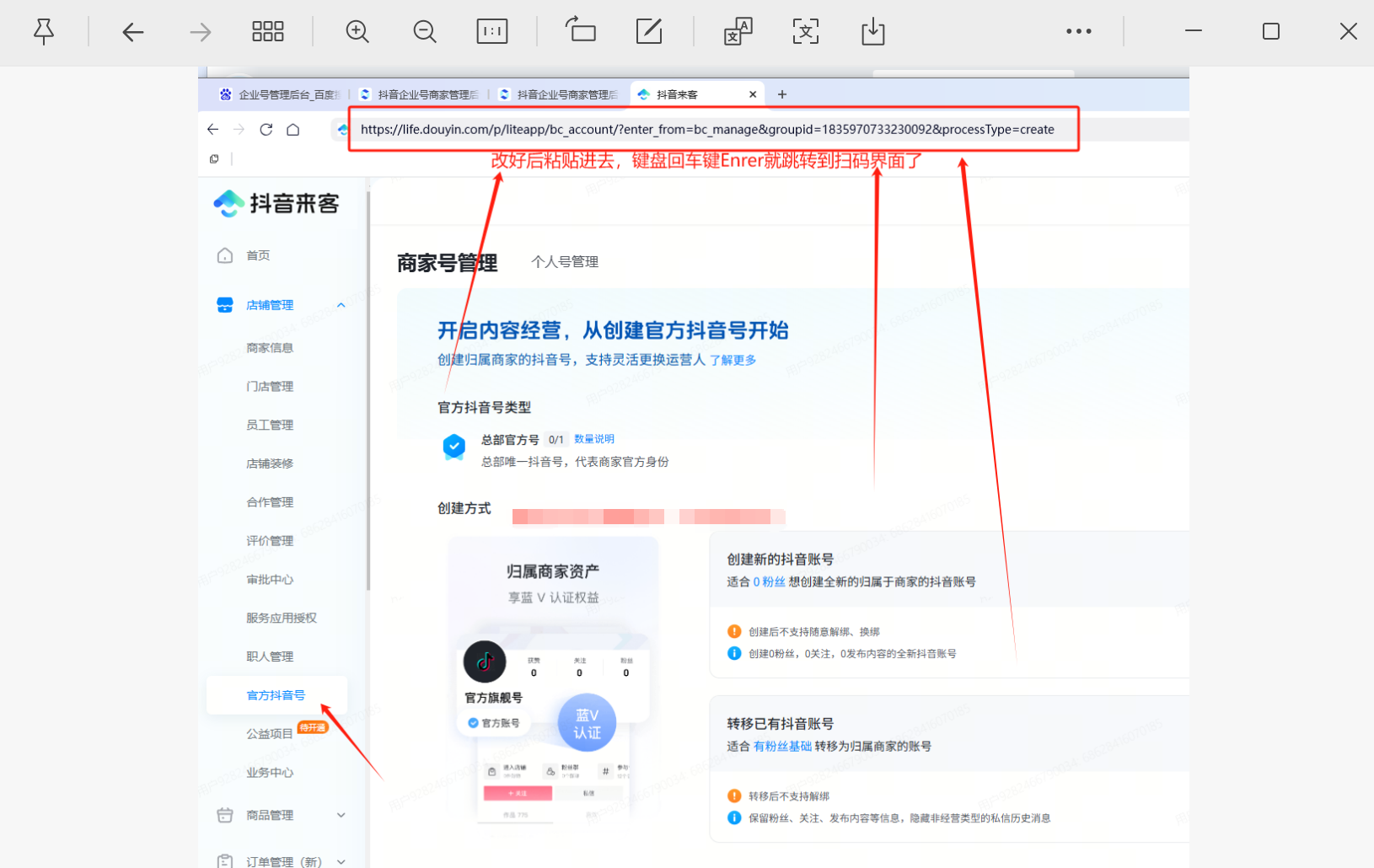
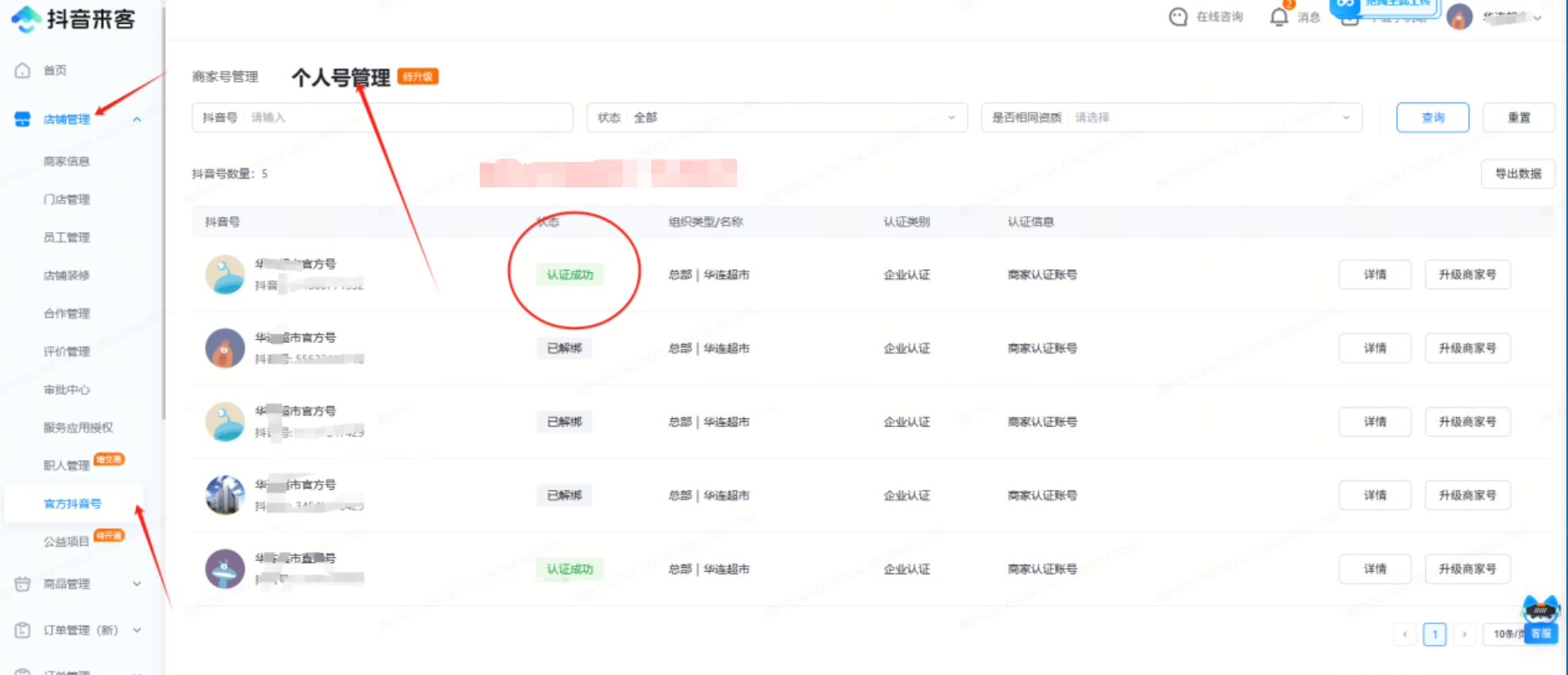
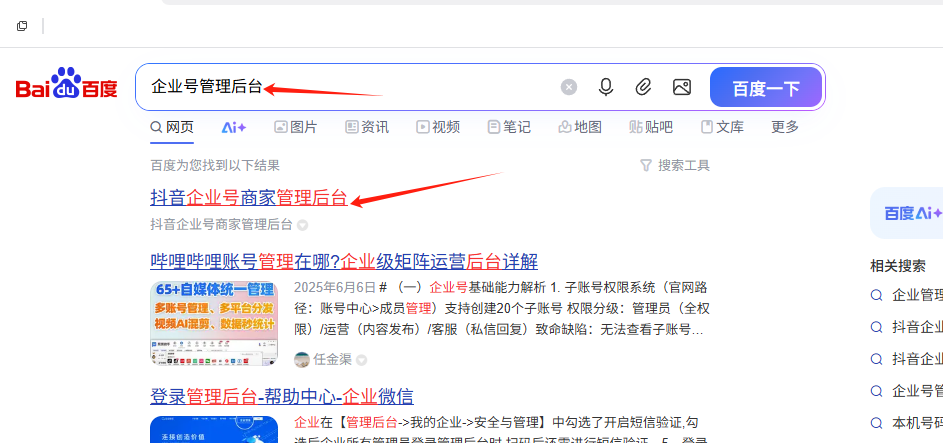
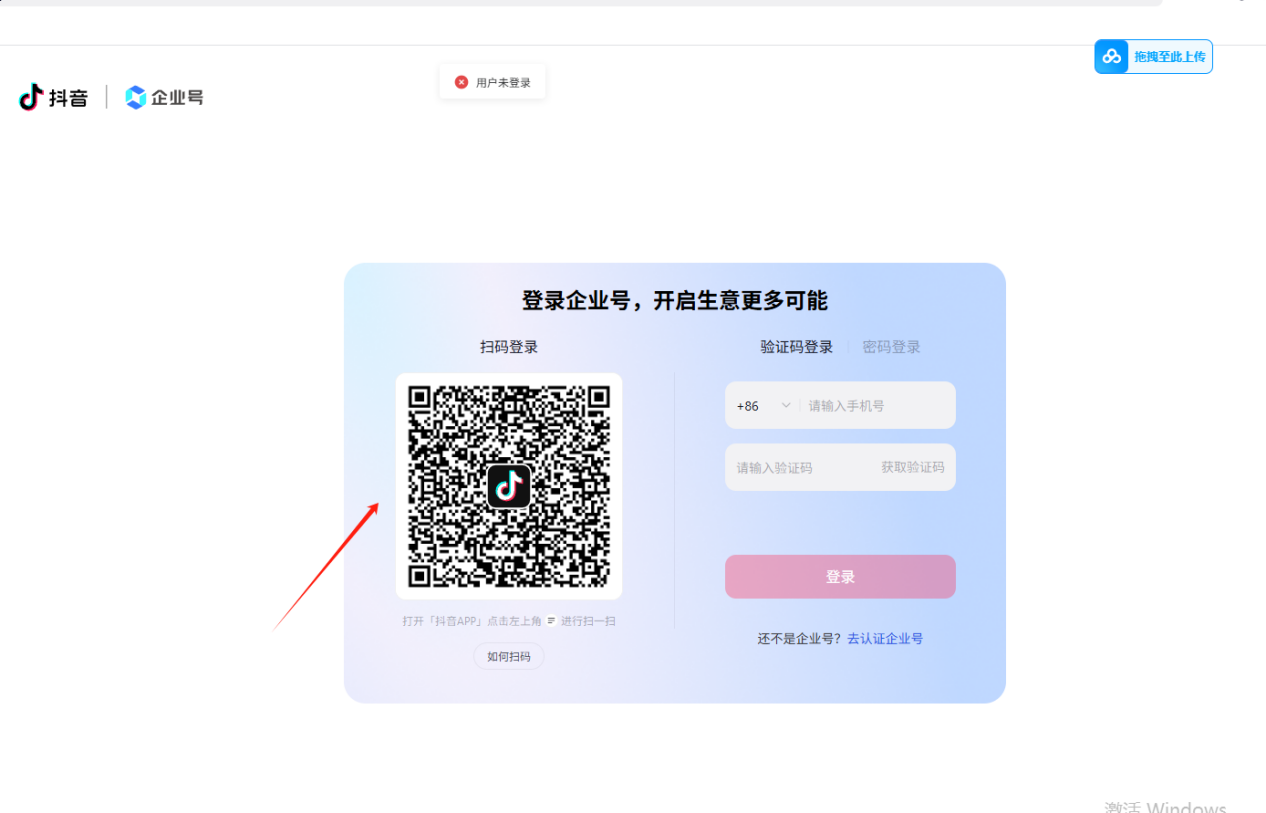
Carefully follow the steps one by one in "Laike Latest Non-Real-Name Livestreaming.docx"
This loophole could be patched by Douyin at any time
2. Making Livestream Room Overlays
1. Collection of Overlay-Making Websites
https://www.xn--6oq72ry9d5zx.com/
2. Tutorial for Using the Free Image Download Website
Log in to your account on the website above to create the livestream room overlay, then click the Share button in the top-right corner once finished
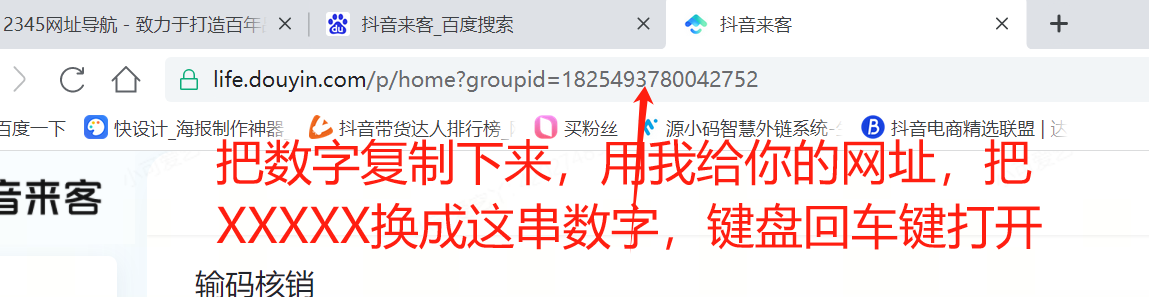
Click "Copy Share Link" here at the Share button
Open the free download website, paste the share link into the box, and click Submit. After submitting, click Canvas 1, wait for the image to finish compositing, then click No.1 on the right to download it
Go to E-Commerce Sales; if this option isn't there, the permission hasn't been enabled — go to the Creator Center to enable e-commerce permissions
After entering, find "Data" at the bottom of the screen and click on it
Scroll down to see the e-commerce product rankings, then click "More"
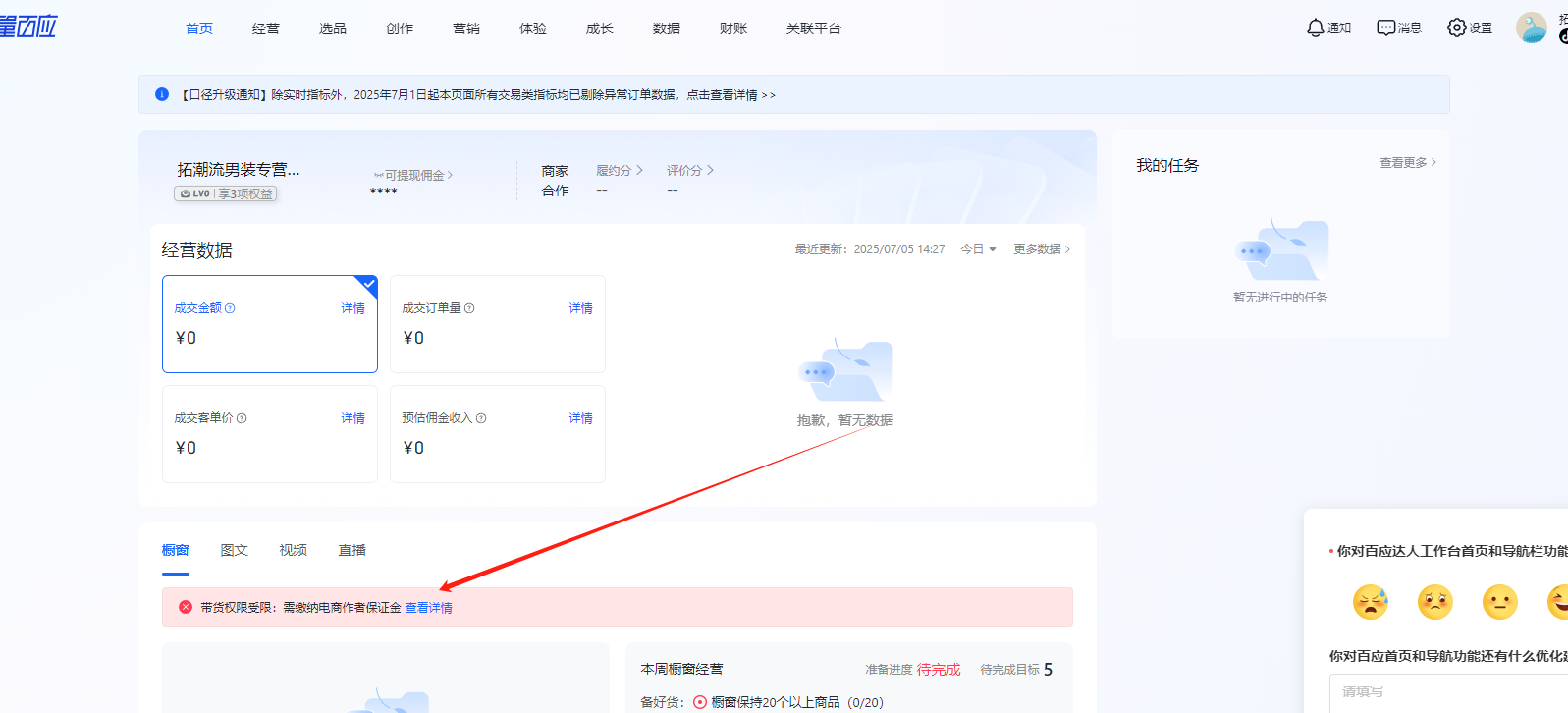
Here, select "Yesterday"
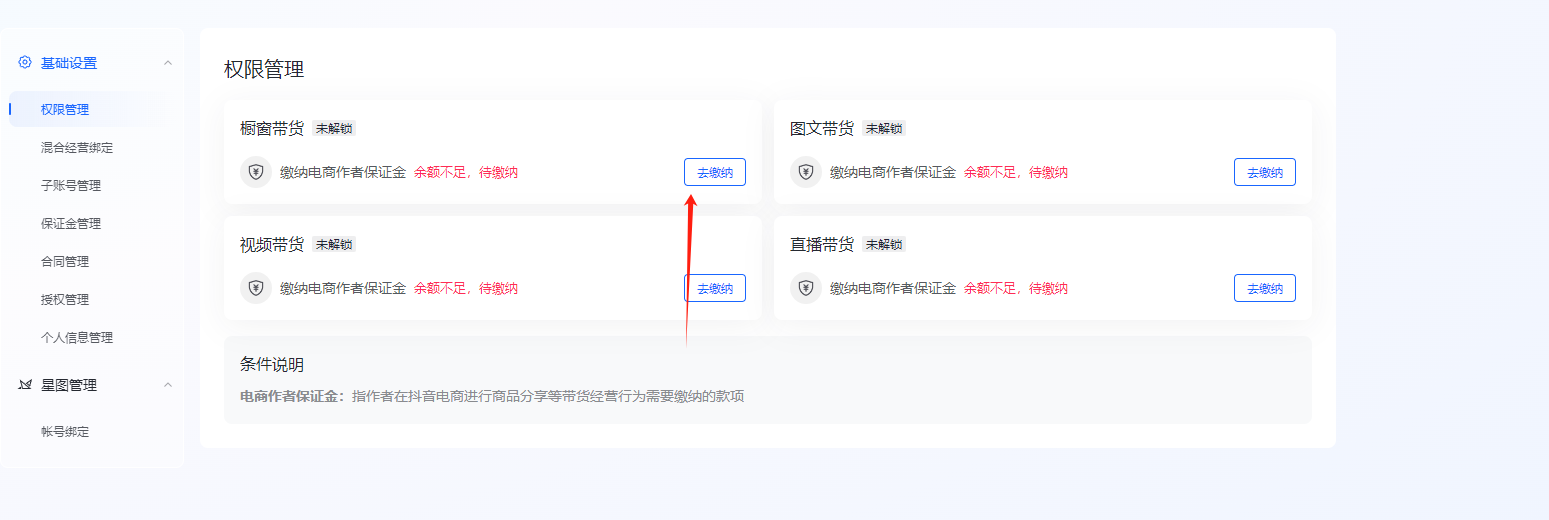
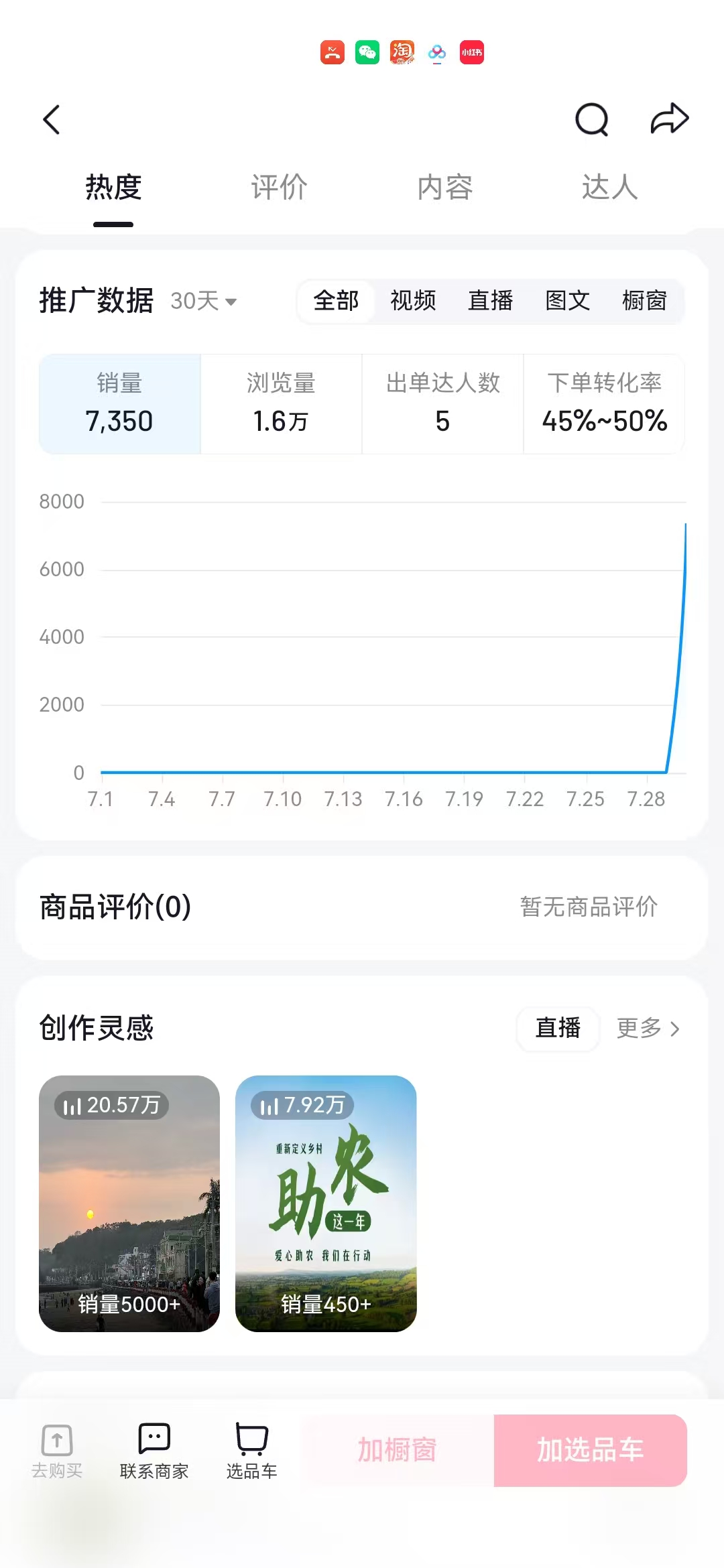
Then, in the industry category, select the niche you want to stream in, filter out products with 0% or low commission, click into them, and find products with an upward trend curve
Then scroll down to view the influencers selling the product. If the influencers are all low-tier and their sales are fairly evenly distributed, go to 🔗Chan Mama or 🔗Kaoguga to check the traffic analysis for that product's influencers, to see whether it's mostly paid traffic — if it is, then this product can be streamed
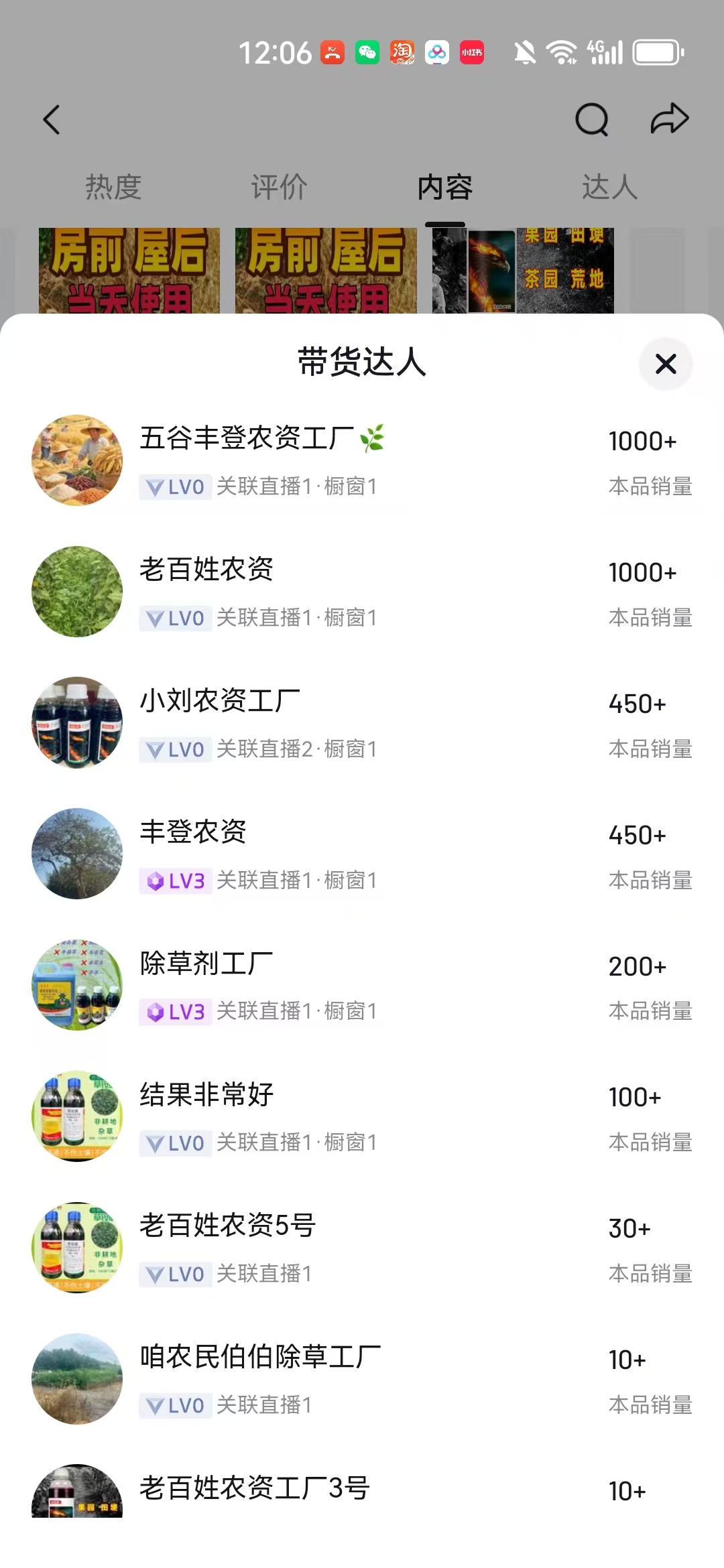
For setting up the livestream room, refer to the livestream rooms of these top-selling influencers.
For local-life services, rely purely on organic traffic — as long as the product is fine, the traffic push for the first session may not be precisely targeted, but once orders start coming in, the traffic push will gradually become more precise.
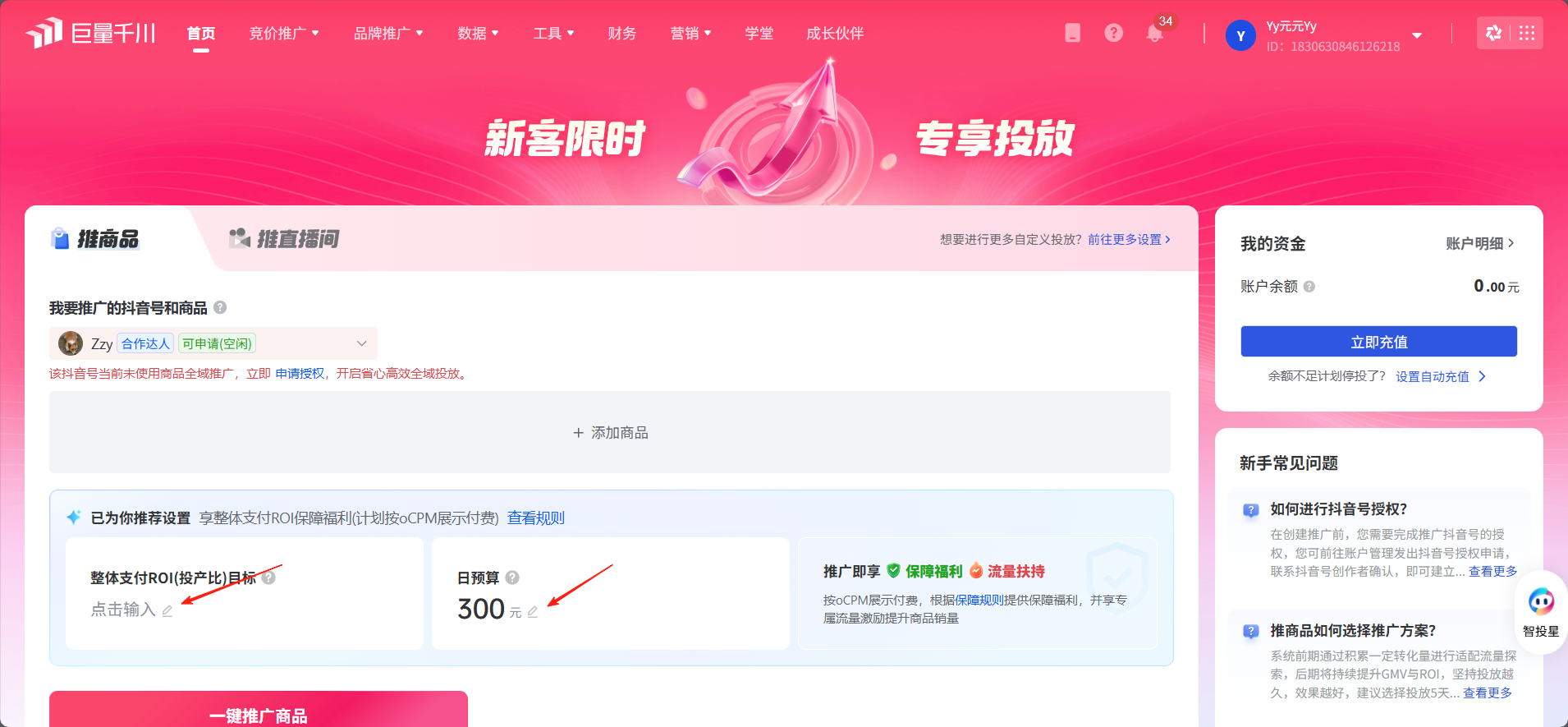
For e-commerce, after selecting a product, go directly to 🔗Ocean Engine Qianchuan, top up a 300 RMB balance (300 is Douyin's minimum top-up amount, not our requirement), select your livestream room and set your ROI target, then run Full-Site Promotion.